PICO-8 and Retro Handheld
PICO-8 and Retro Handheld
I got PICO-8 running on my Anbernic RG35XXSP and I am having a blast with it.
What is PICO-8?
The PICO-8 never existed physically. It is a fantasy console that was created in 2015. Here are the specs:
Display 		128x128 16 colours
Cart Size 		32k
Sound 		    4 channel chip blerps
Code 		    P8 Lua
CPU 		    4M vm insts/sec
Sprites 		256 8x8 sprites
Map 		    128x32 tiles
It embraces the idea that limitations can encourage creativity. Currently, the rights to the console are about $15.00. I got a license to it back in 2020 from Itch.io’s Bundle for Racial Justice (along with 1,700+ games).
Anbernic RG35XXSP
I have an Anbernic RG35XXSP (transparent green). If you are unfamilair, it is basically a Gameboy Advance SP form factor that can play everything from 1980s consoles to Playstation 1. It is hands down one of the best devices I have ever bought. I still have an RG35XX Plus but I bought the RG35XXSP because I panicked due to tariffs. Also, the RG35XX Plus screen is now malfunctioning and I cannot bring myself to spend the $30 to fix a $60 device.
PICO-8 and RG35XXSP
This was pretty straightforward. First, the OS image on the SD card needs to support PICO-8 (which is listed as RG35XXSP-V1.1.0-EN-241223 and beyond on Anbernic’s image page). Basically any model created since 2024 should be good otherwise you would need to flash that OS to the SD card.
I followed the 7 minute video How to Set Up Native Pico-8 on Anbernic Consoles with Splore! .
- Power down your Anbernic handheld, eject the SD card, and plug it into your PC.
- Download the Raspberry Pi version of PICO-8 and unzip it.
- In the file explorer, navigate to the SD card, and the EXE folder in the main directory, then PICO-8. This folder should have launch.sh in it already.
- Copy the extracted PICO-8 files into the “EXE/PICO-8” folder.
- Navigate back to the main directory of the SD card and go to “ROMS/PICO-8”.
- Create a file in this directory called “-splore-.p8”.
- Add any games into the folder as well.
- Unmount the SD card and insert back into the handheld.
- Navigate to Gameroom then PICO-8. Select the game you would like to play
A couple of notes, if you are using a two SD card set up (one for the OS and one for ROMS) steps 1-4 would be done on the OS card, and 5-9 would be on on the ROM card.
I have had mix luck launching PICO-8 through Retroarch (my preferred launcher). It is unclear to me if it is supported or not.
I have yet to figure out if “save states” work.
I have never connected my RG35XXSP to the internet, but I believe “SPLORE” is an online cart browser and that is rad that I could possibly use it to get carts on my device.
The Games
I recommend checking out the 200 Best PICO-8 Games. I played through Celeste Classic which is an excellent platformer. Spoiler, Celeste actually features the PICO-8 in it and you can play Celeste Classic from within the game itself.
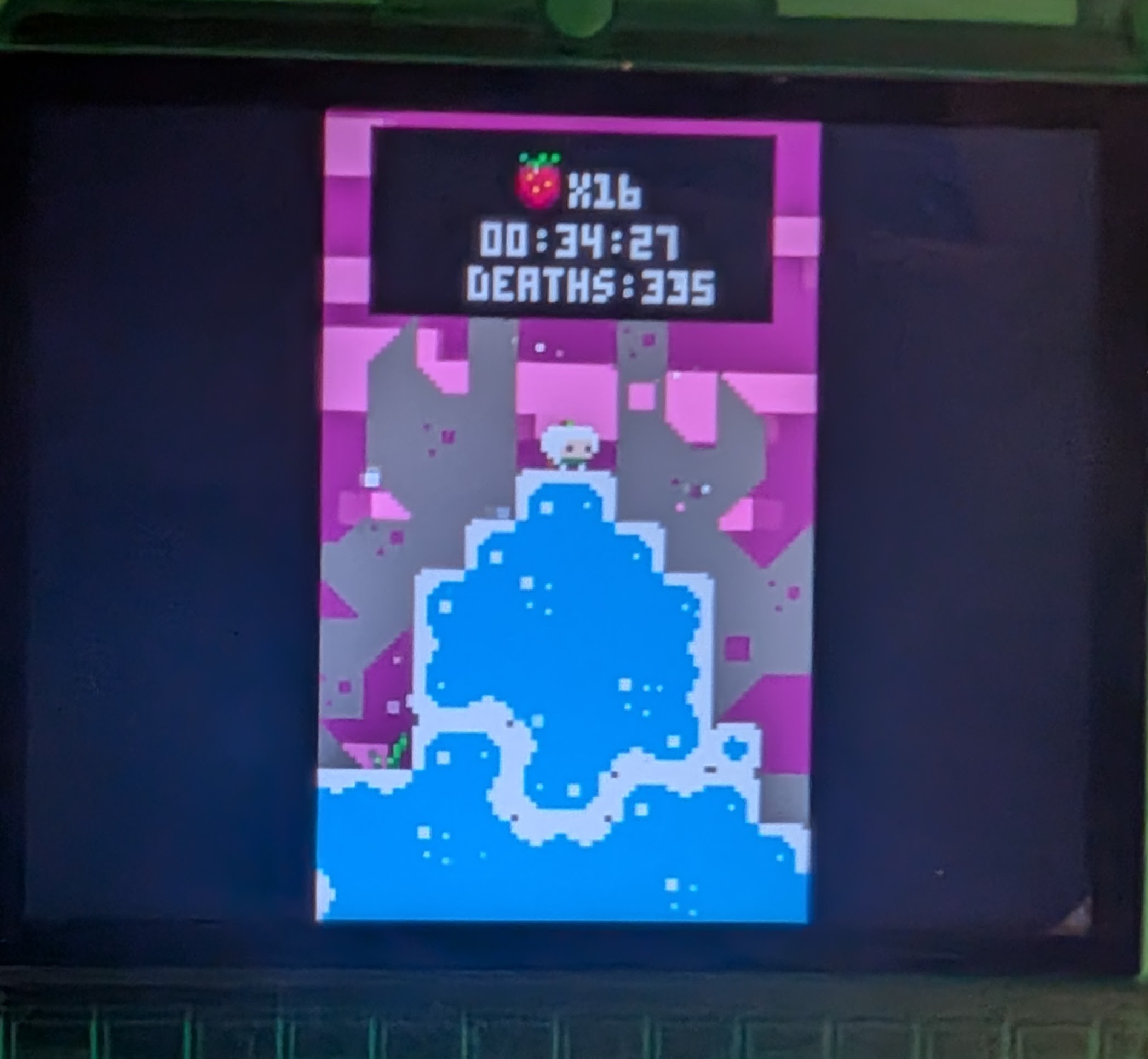
I also really like Just One Boss.
There are also remakes / demakes of DOOM, Terraria, and FEZ which look fun.
I assume there are games to purchase, but I have had luck just downloading the “cartridges” right from links above. They get saved as a .p8.png which is fascinating.